

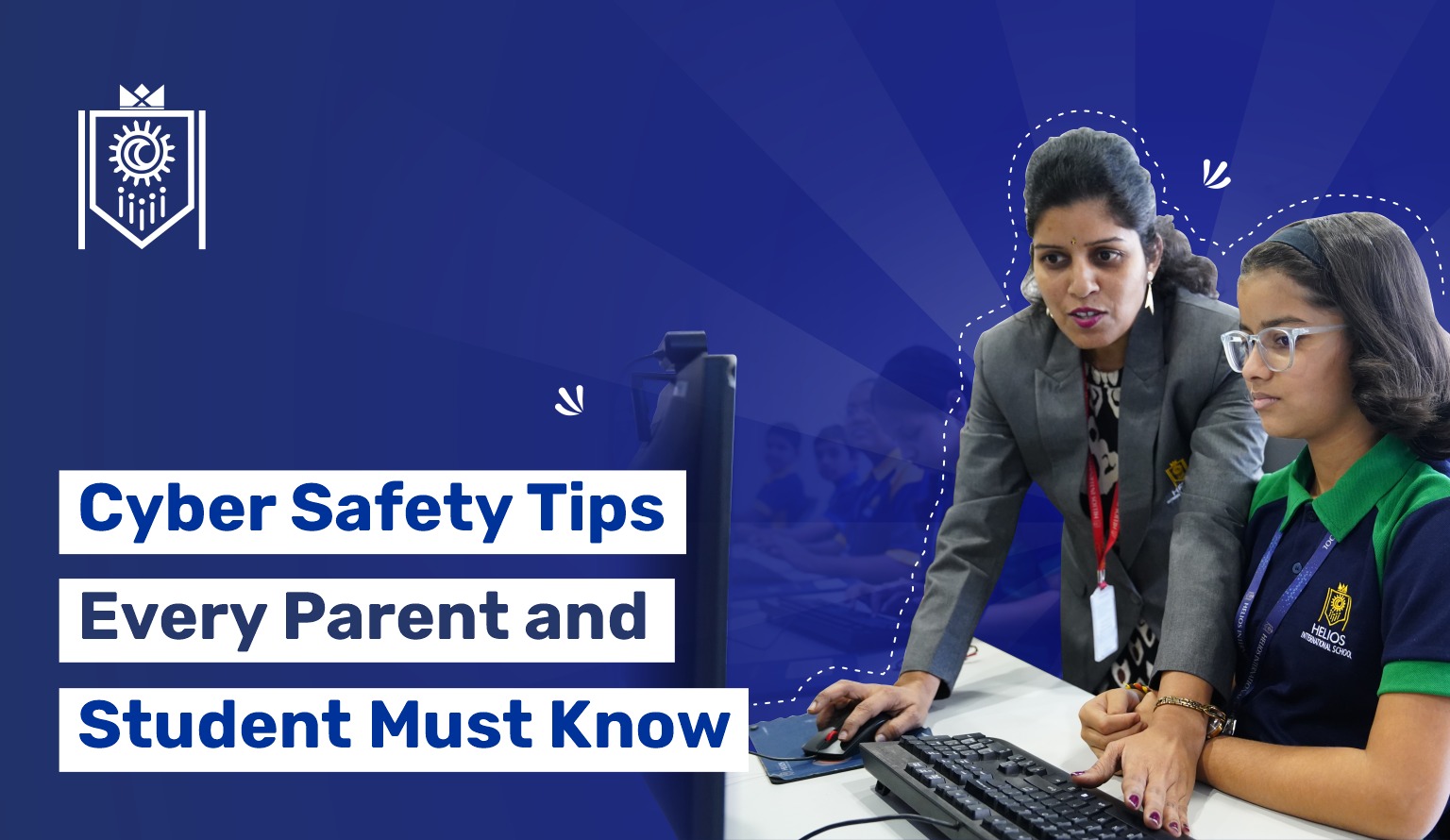
We live in a digital age now & our children in it? They are growing up with smartphones in their hands and tablets on their desks. As educators at a leading CBSE school in Pune, we witness daily how technology has transformed learning; but we also understand the responsibilities that come with it. Whether you’re searching for the best CBSE school in Pune or already part of our vibrant learning community, cyber safety should be at the top of every parent’s and student’s priority list.
The Digital Reality: Facts You Should Know
Before diving into tips, let’s look at some eye-opening statistics from study reports available:
- 95% of Indian teens are now active on social media platforms
- 67% of cyberbullying incidents occur on social media and messaging apps
- 1 in 3 students has experienced some form of online harassment
- The average child receives their first smartphone at age 10, often without proper cyber safety training
Well, these numbers aren’t meant to scare you, they’re just a call to action.
Now The Digital Playground Needs Rules Too
Once upon a time, the biggest worry was whether your child would come home on time from the playground…Today, the playground is virtual, and the boundaries are less visible. Last month, a parent at Helios International, CBSE school on Sinhagad Road shared how her 12-year-old nearly fell victim to a phishing scam disguised as a “free game download.” This wake-up call reminded us all: cyber safety education cannot wait.
So Here Are Essential Cyber Safety Tips for Students
Password Protection
- Create strong passwords: Mix uppercase, lowercase, numbers, and special characters (Example: “MySchool@2025!”)
- Never share passwords with friends, even your best friend
- Change passwords regularly, especially after using public WiFi
- Use different passwords for different accounts
Guard Your Personal Information
Never share online:
- Full name, address, or phone number
- School name or location details
- Your daily schedule or vacation plans
- Photos showing your school uniform or location tags
Think Before You Click
- Verify before downloading: Free games or apps might contain malware
- Check URLs carefully: Scammers create fake websites that look real (amazon.com vs amazom.com)
- Avoid public WiFi for banking or entering passwords
- Question “too good to be true” offers: Free iPhones, easy money schemes, or prize announcements
Social Media Smarts
- Keep profiles private: Only accept requests from people you know in real life
- Think before posting: Would you be comfortable with your teachers or grandparents seeing this?
- Report and block suspicious accounts immediately
- Remember: The internet is forever—screenshots exist even after deletion
Digital Citizenship
- Be kind online: Cyberbullying has real consequences
- Don’t participate in forwarding rumors or mean messages
- Stand up for others: If you see bullying, report it
- Speak up: Tell a trusted adult if something makes you uncomfortable
Practical Guidance for Parents
Communication is Key
- Schedule weekly “digital check-ins” where kids share their online activities
- Create a no-judgment zone: Kids should feel safe reporting problems
- Lead by example: Model healthy digital habits yourself
Set Clear Boundaries
- Device-free zones: Dinner table, bedrooms after 9 PM
- Screen time limits: 2 hours maximum for recreational use (WHO recommendation)
- Age-appropriate content: Use ratings and reviews as guides
Active Monitoring Tools
- Install parental control apps: Qustodio, Norton Family, or Google Family Link
- Check browser history periodically (inform your child you’ll do this)
- Friend your kids on social media platforms
- Keep devices in common areas during initial years
Red Flags to Watch For
- Sudden secretive behavior around devices
- Emotional distress after using devices
- Withdrawal from family activities
- Unexplained gifts or money
- Changes in sleep patterns or academic performance
Quick Action Checklist That You Can Also Share With Your Loved Ones
For Students:
- Password-protect all devices
- Enable two-factor authentication
- Review privacy settings monthly
- Think twice before posting anything
- Report suspicious activity immediately
For Parents:
- Have “the talk” about online safety
- Know your child’s online friends
- Stay updated on popular apps and trends
- Keep devices charged in common areas overnight
Our Collective Responsibility
At our school, we integrate cyber safety into our curriculum because we believe education extends beyond textbooks. From digital citizenship workshops to counseling sessions, we’re committed to preparing students not just academically, but for the real-world challenges they’ll face.
Remember: Cyber safety isn’t about restricting freedom but about building smart, responsible digital citizens. The internet is an incredible resource that connects us to knowledge, creativity, and opportunities worldwide.
By working together—schools, parents, and students—we can create a safer digital environment where our children can explore, learn, and thrive.